Hi there.
Let’s head out together again—
I’m travel blogger Sseozand welcome back.
If you’re getting ready for a trip to Japan,
you’ve probably come across Visit Japan Web at least once.
The first time you use it, it’s easy to wonder how much you actually need to fill out,
what to enter for your hotel address,
and where exactly to find the QR code.
It’s more confusing than it looks.
I use it every time I travel to Japan,
so this time I’m breaking it down step by step in the exact order you’ll need.
1. Access Visit Japan Web First
Visit Japan Web is something you fill out
before arriving in Japan.
It lets you register the information needed for immigration
and customs in advance.
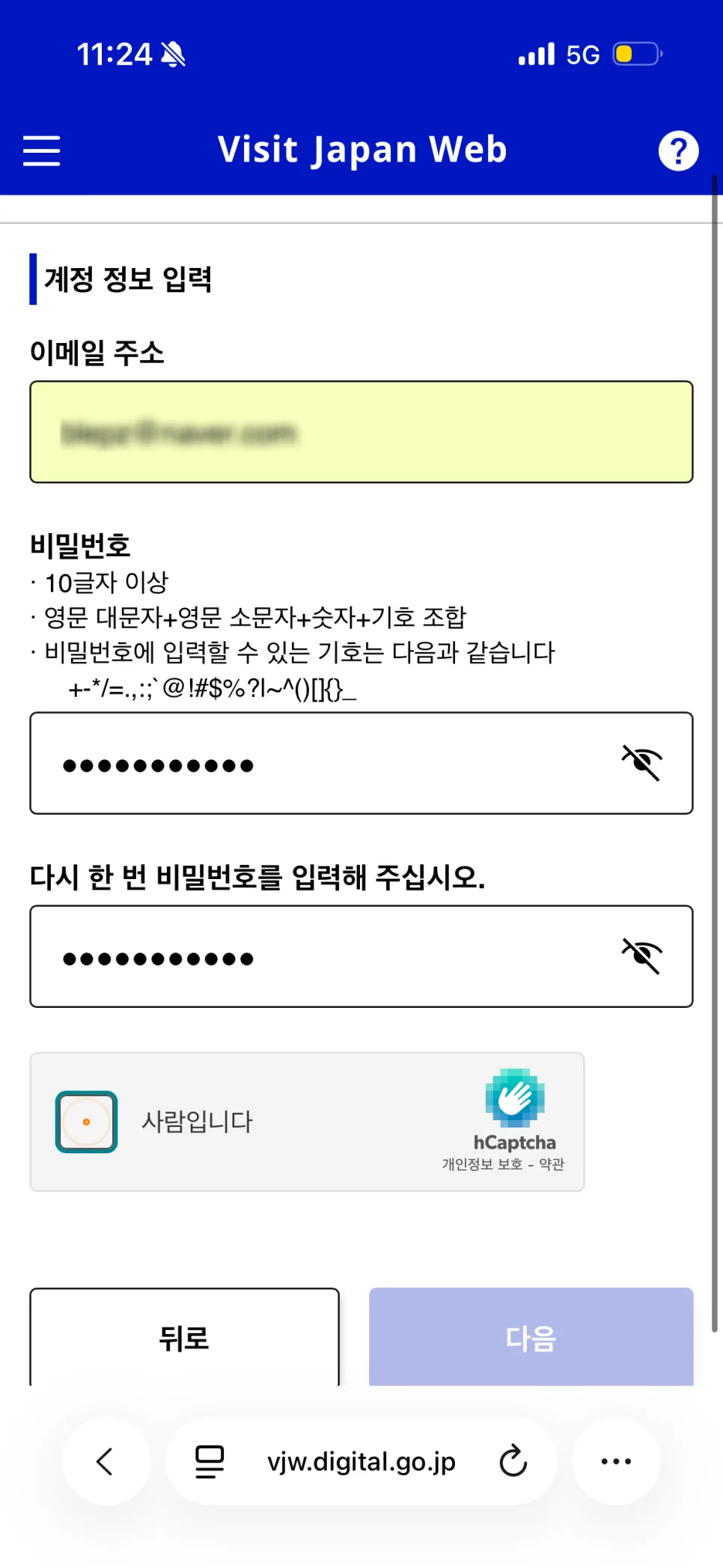
If it’s your first time using it,
start by signing up with your email address.
You can access the official site through the link below.
Visit Japan Web Official Site
When you first log in,
you’ll start by entering your personal information.
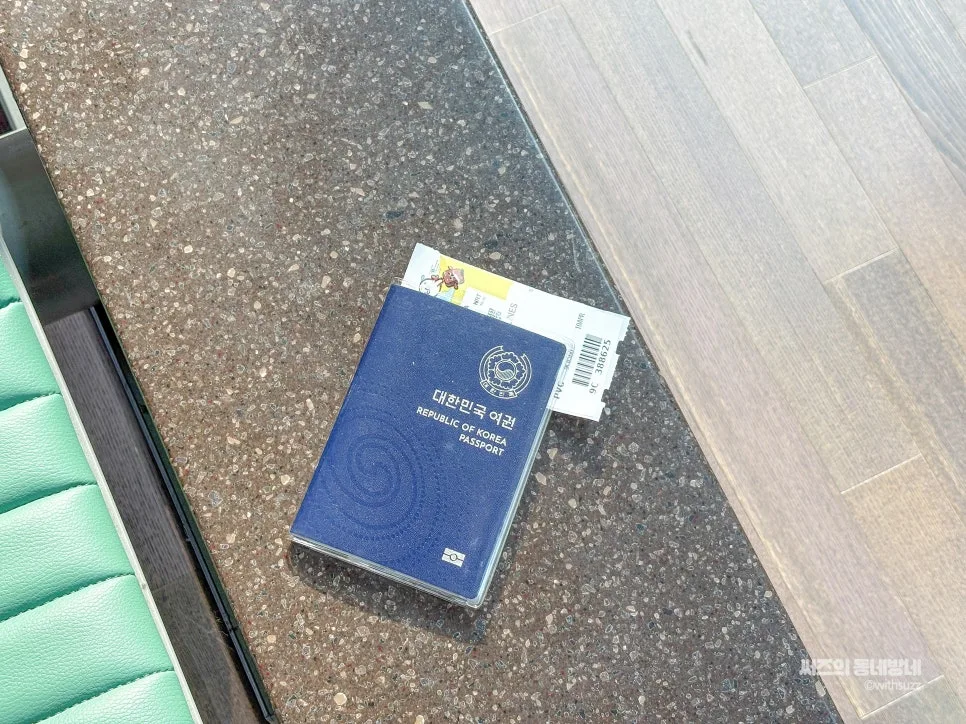
At this stage, your passport is required.
Have your passport ready before you begin.
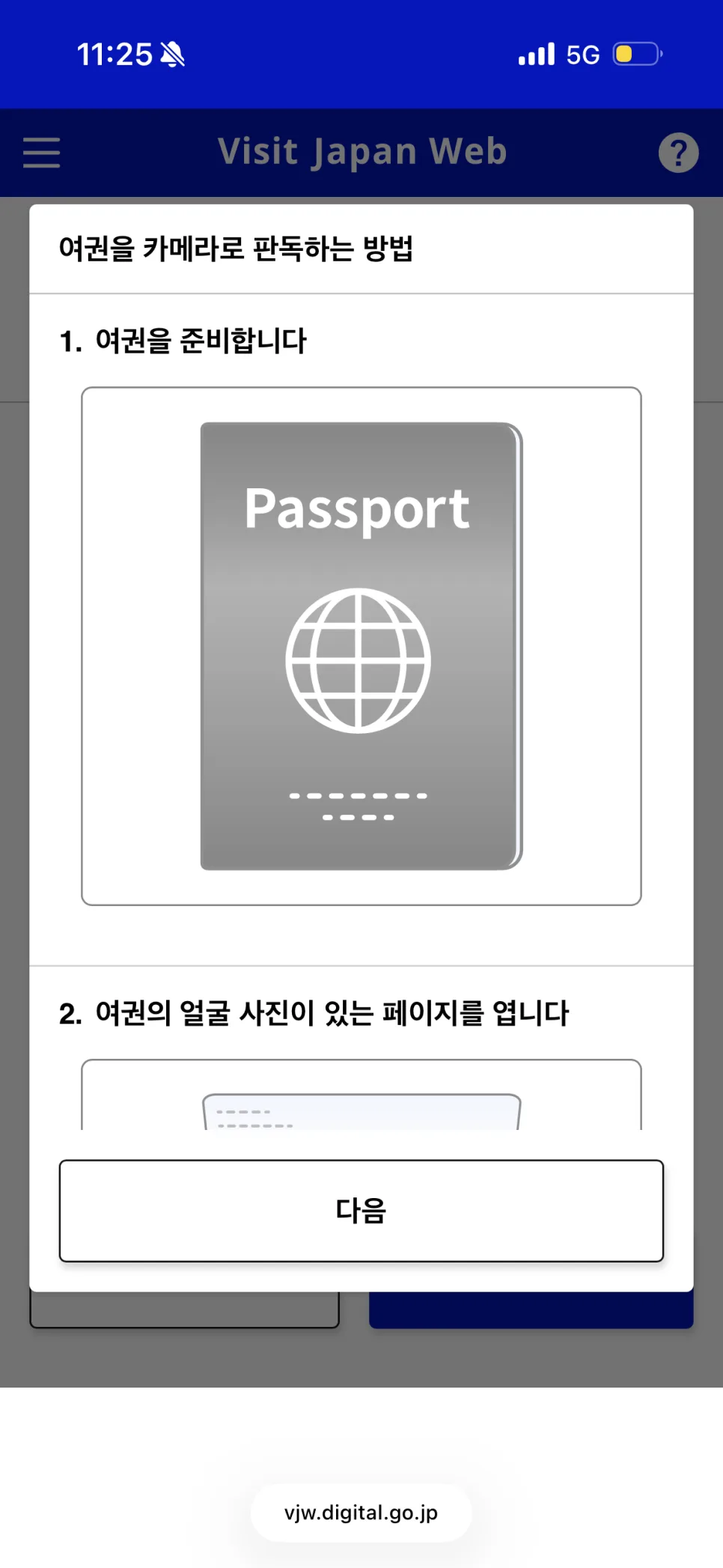
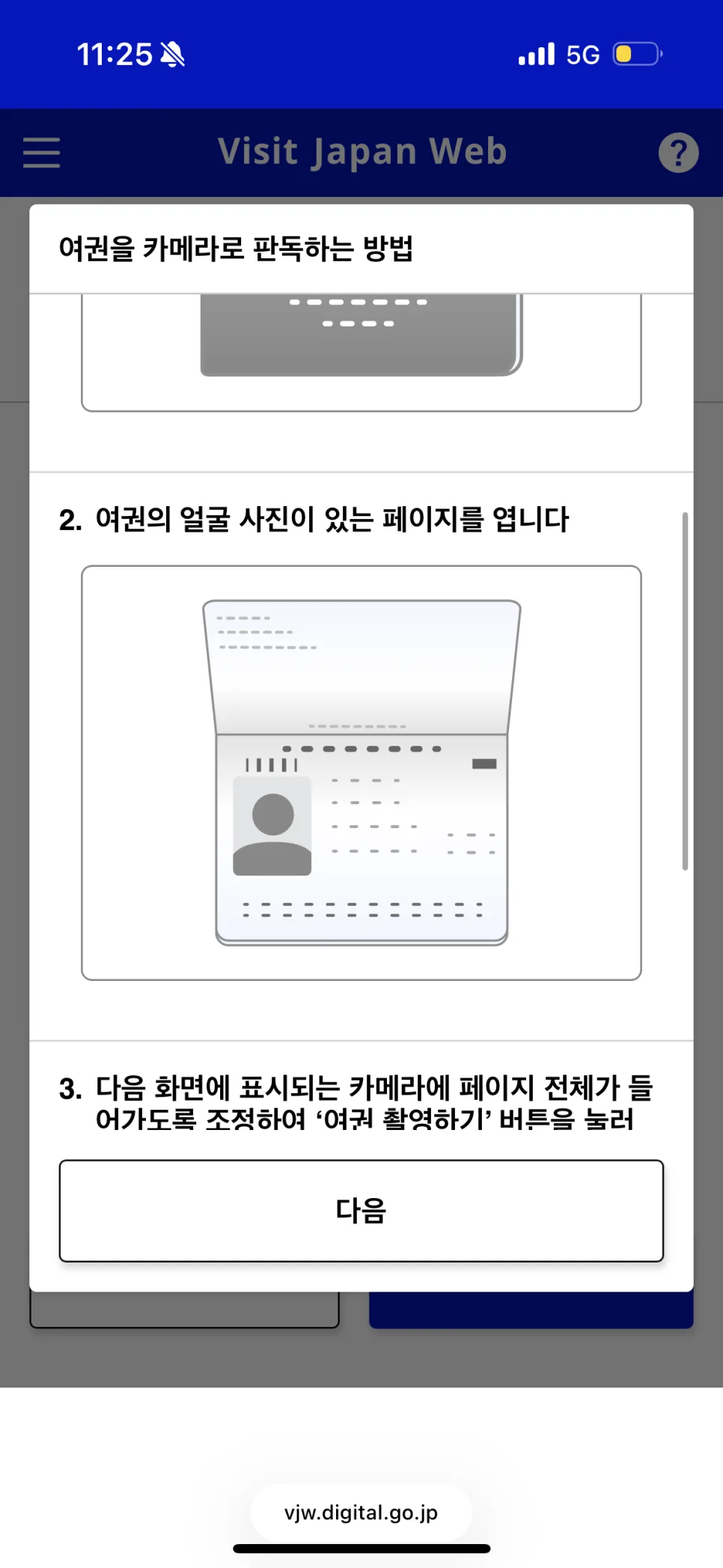
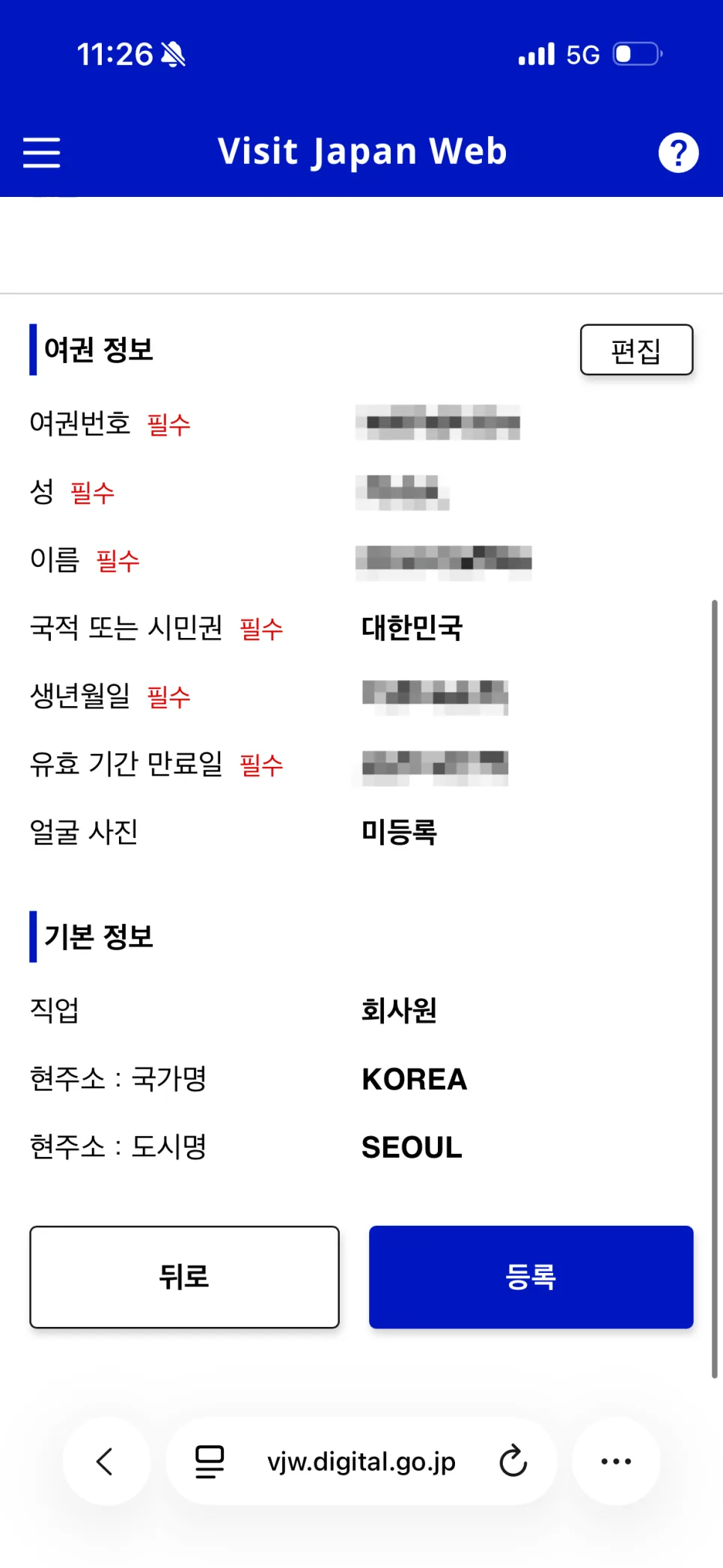
You can scan it with your camera,
or enter the details manually if the scan doesn’t work well.
Mine doesn’t always scan properly, so
I sometimes just type everything in myself.
Once your passport is registered,
just double-check that your passport number and name
are entered correctly.
2. Register Your Travel Itinerary
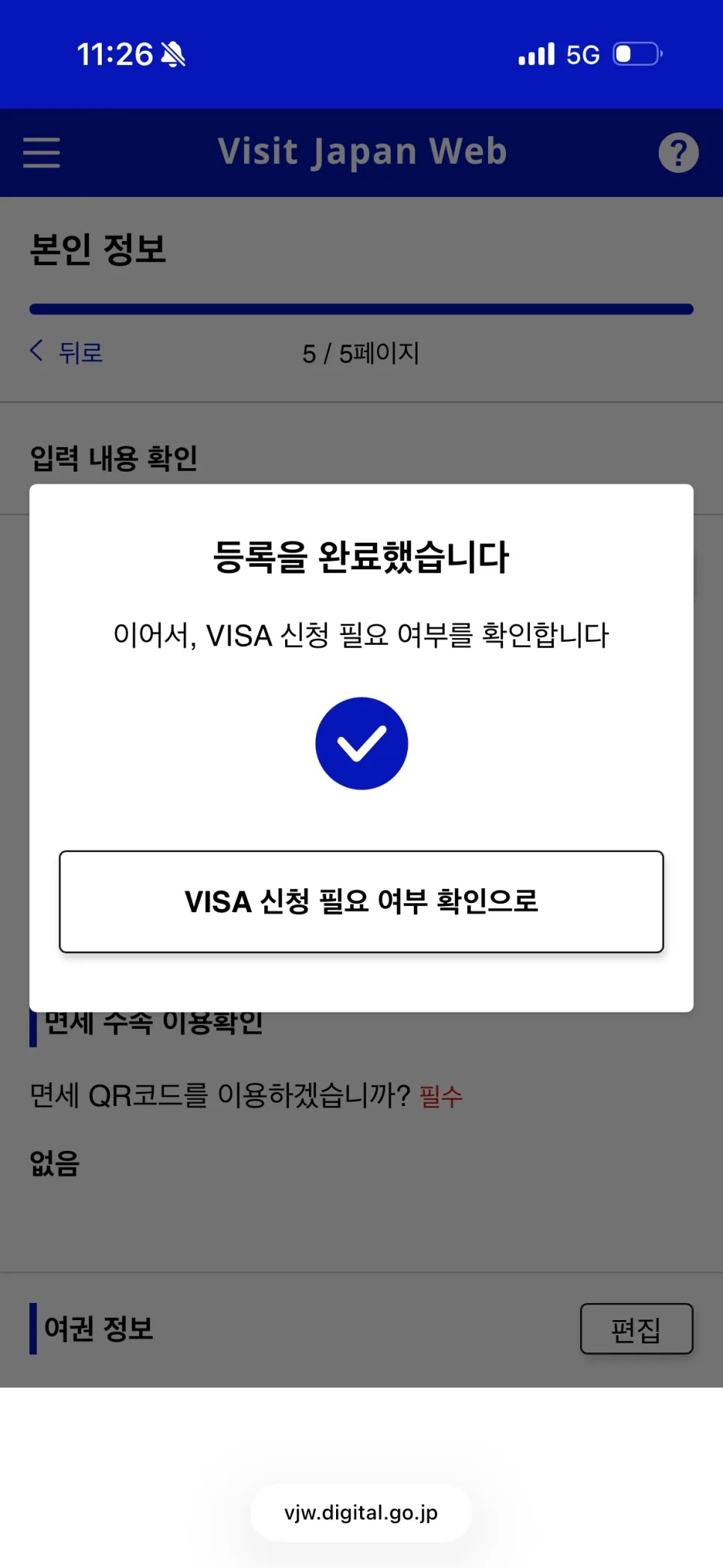
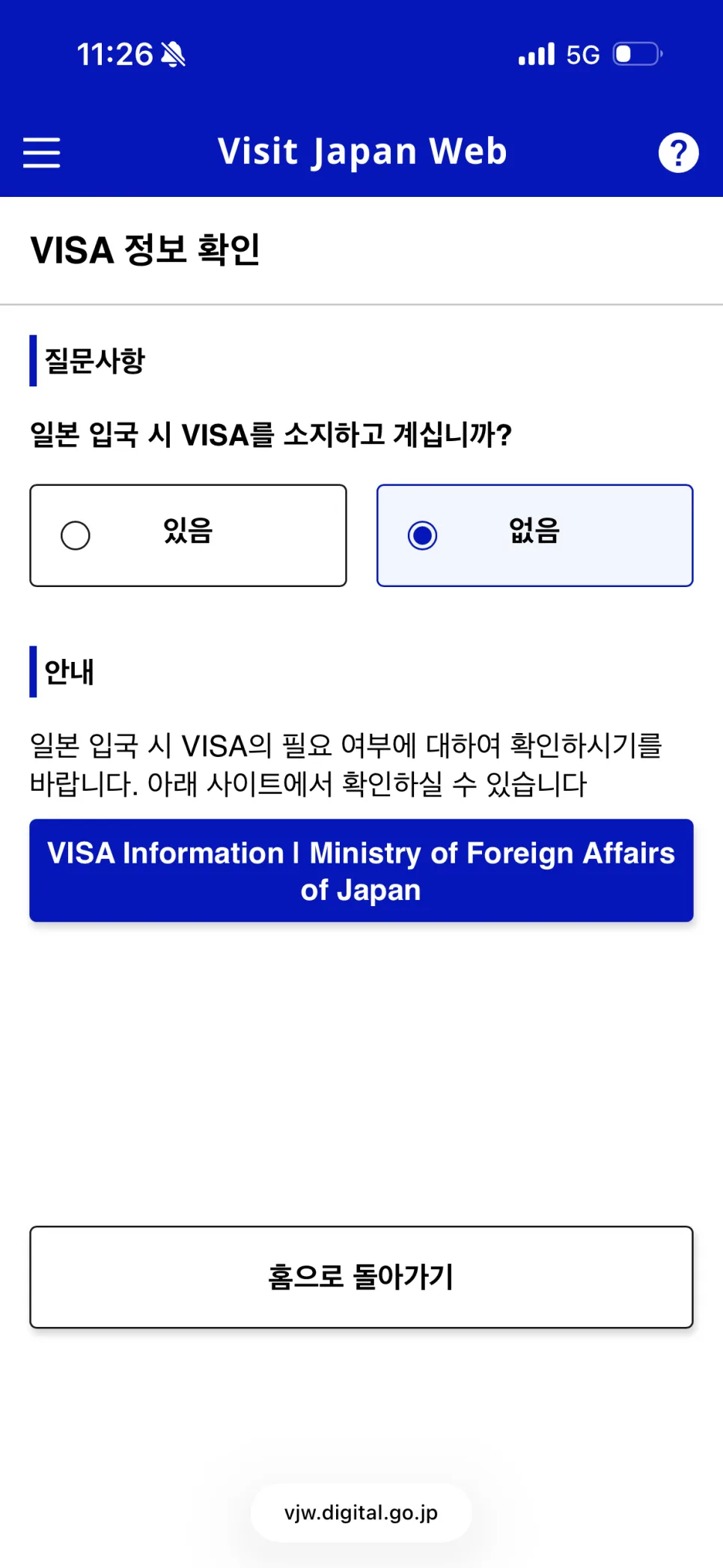
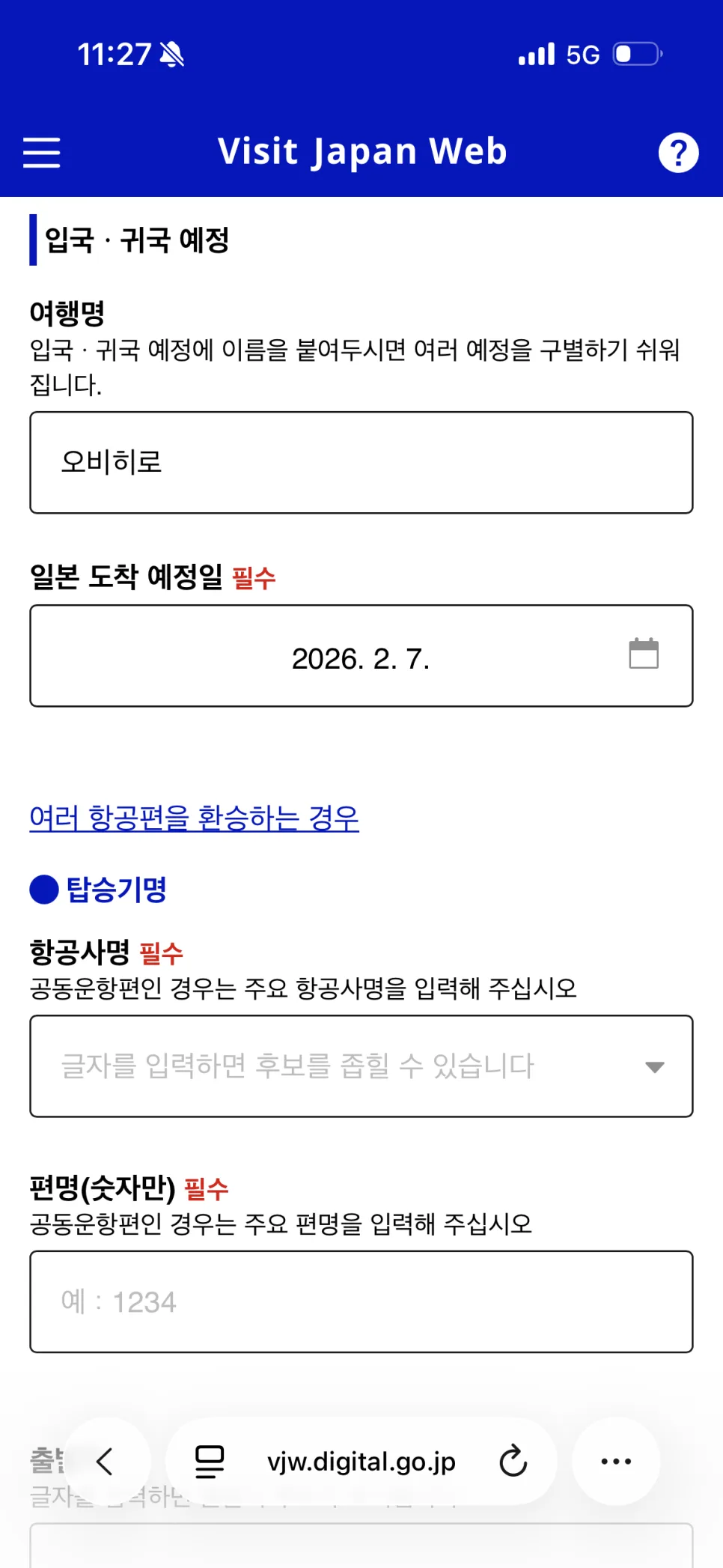
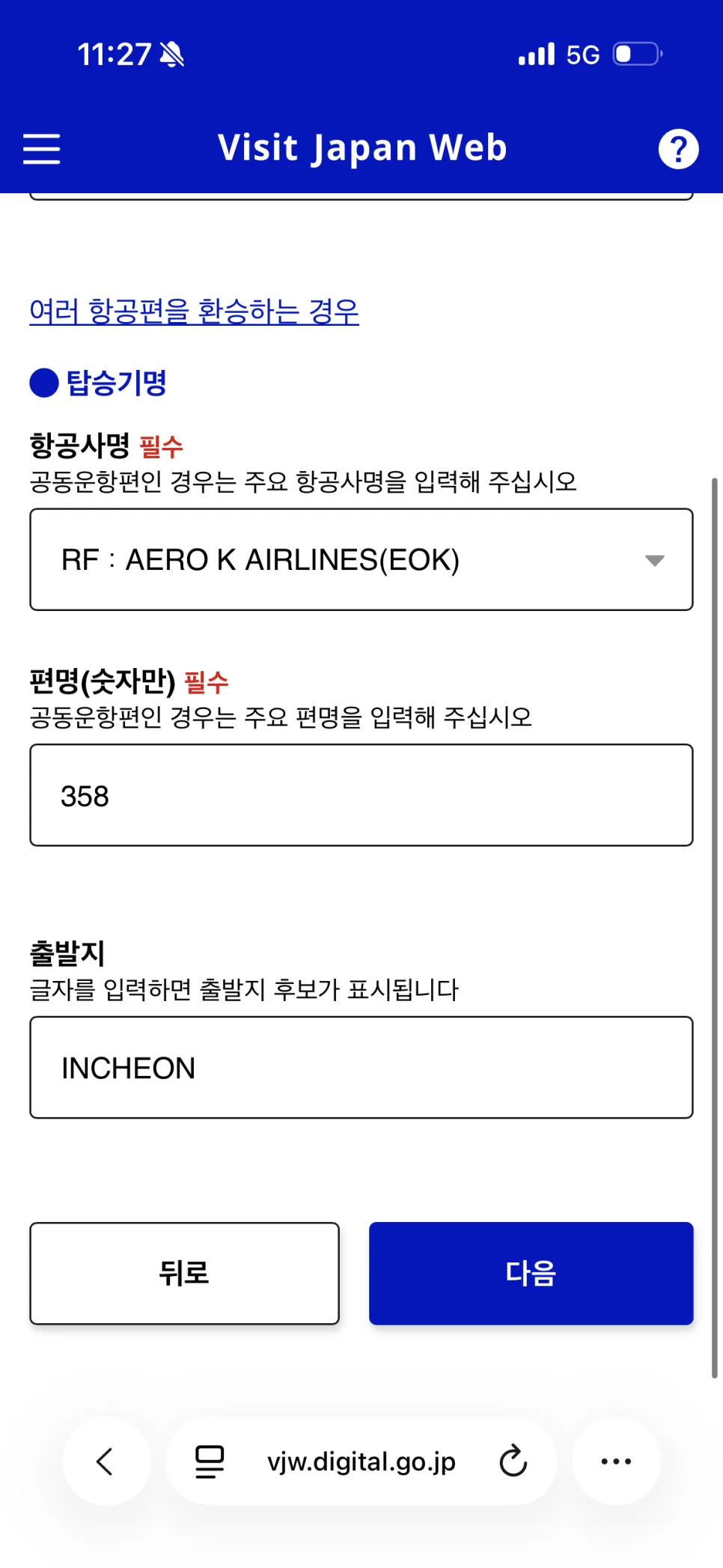
Next, enter the details for this Japan trip.
Here,
you’ll need your arrival date in Japan, flight number, and accommodation details.
That’s basically it.
I usually keep my passport and flight booking
open side by side while filling it out.
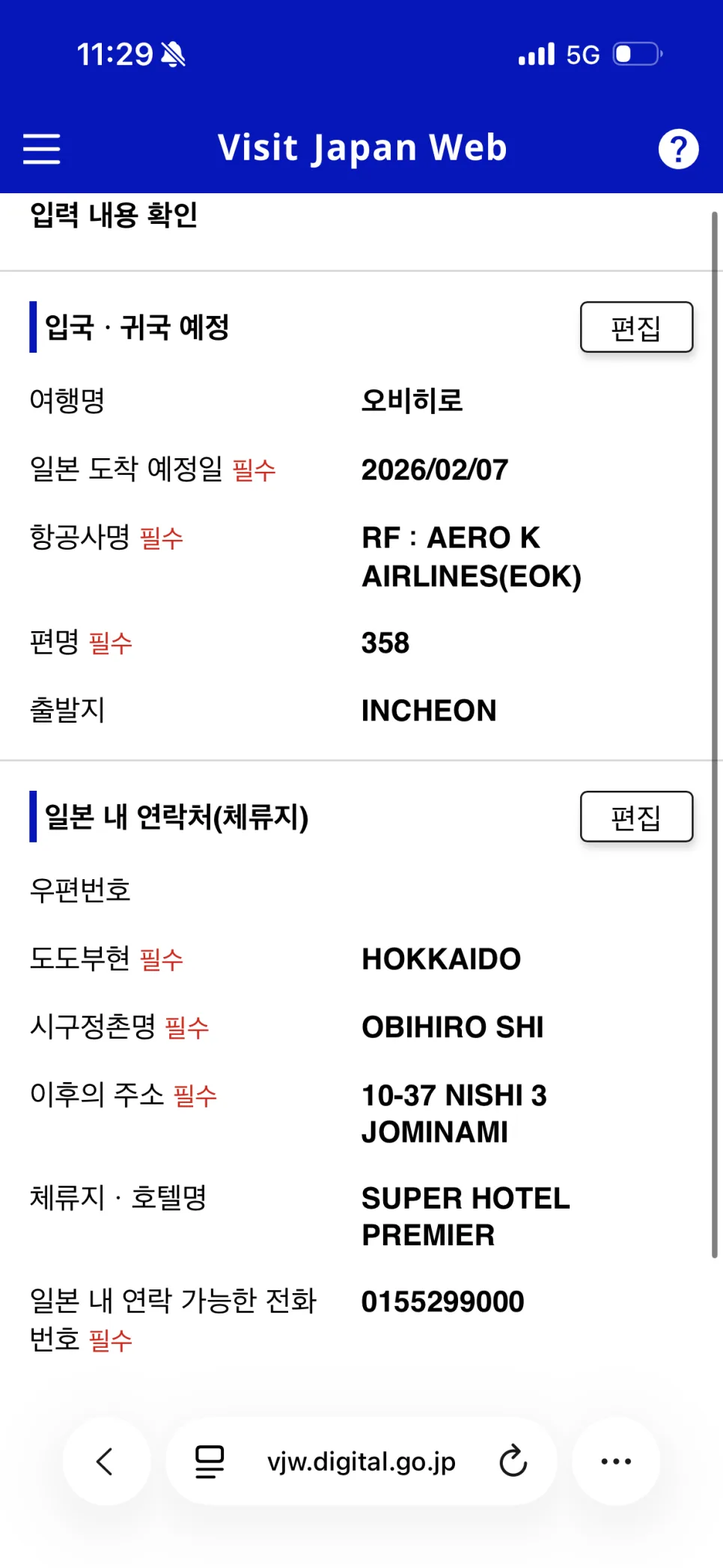
For the flight number,
just copy it exactly as it appears on your ticket.
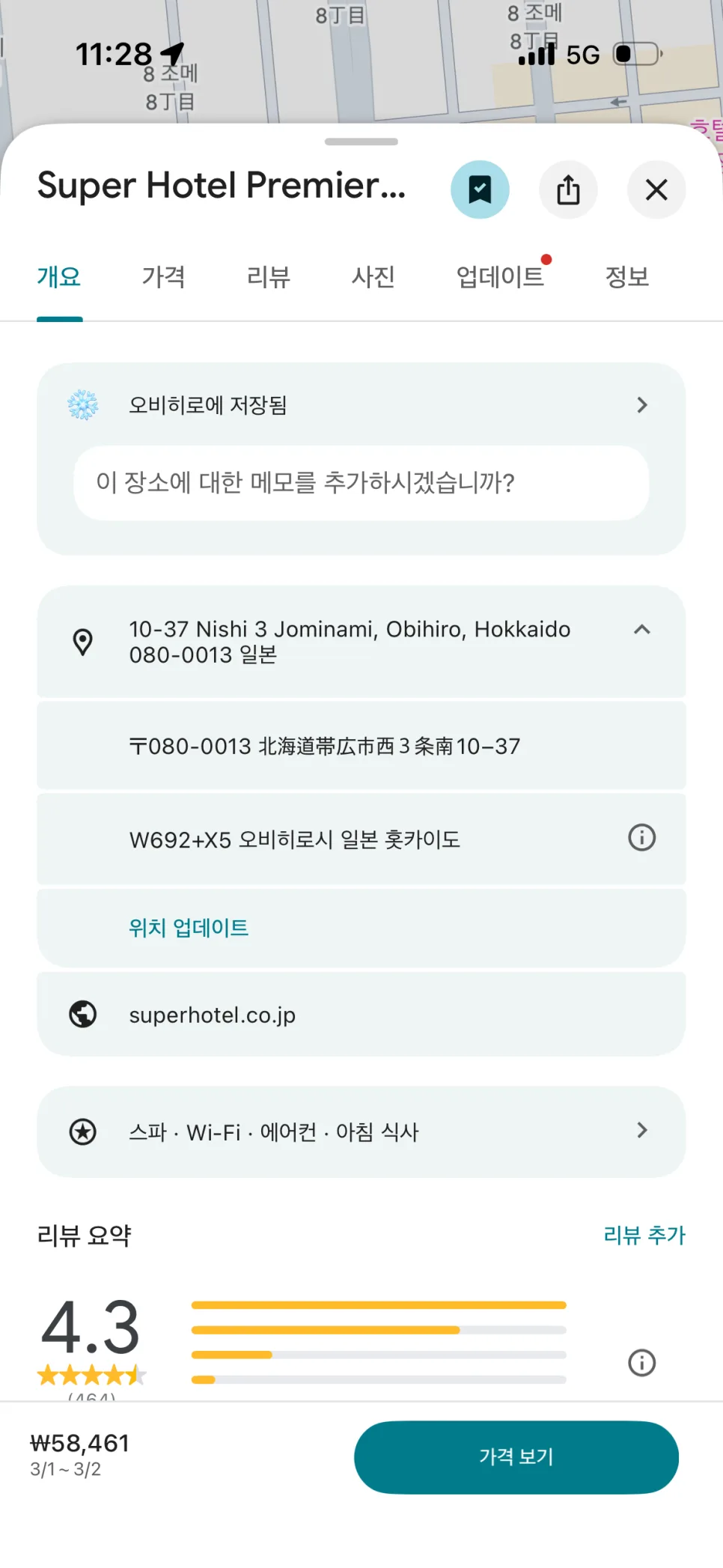
For your hotel address in Japan,
it’s easiest to check your booking app or Google Maps.
I usually save my hotel on Google Maps,
so I just pulled it up there and entered the address from that.
3. Fill Out Immigration and Customs
Once you’ve done that,
you’re almost finished.
Next, answer the arrival questionsand
continue straight through to the customs declaration.
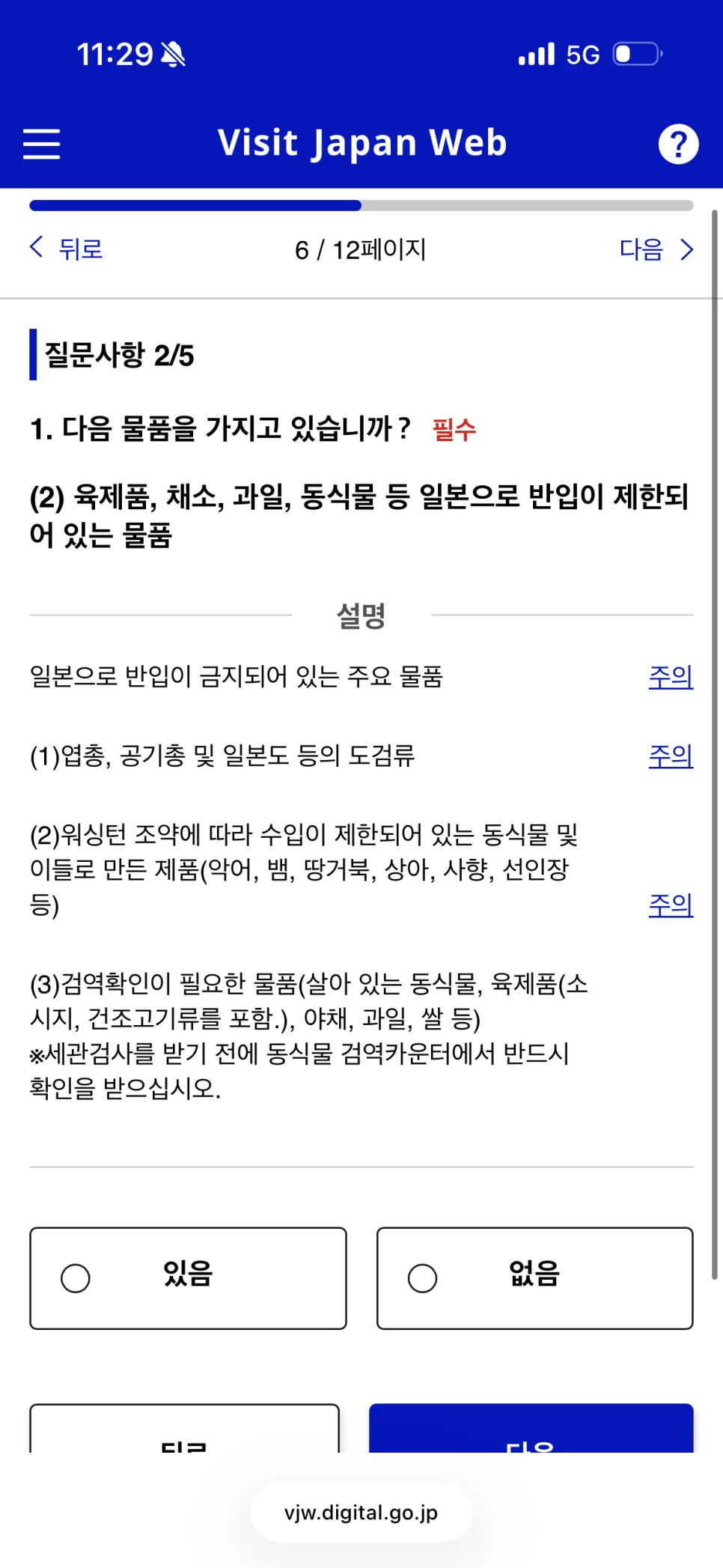
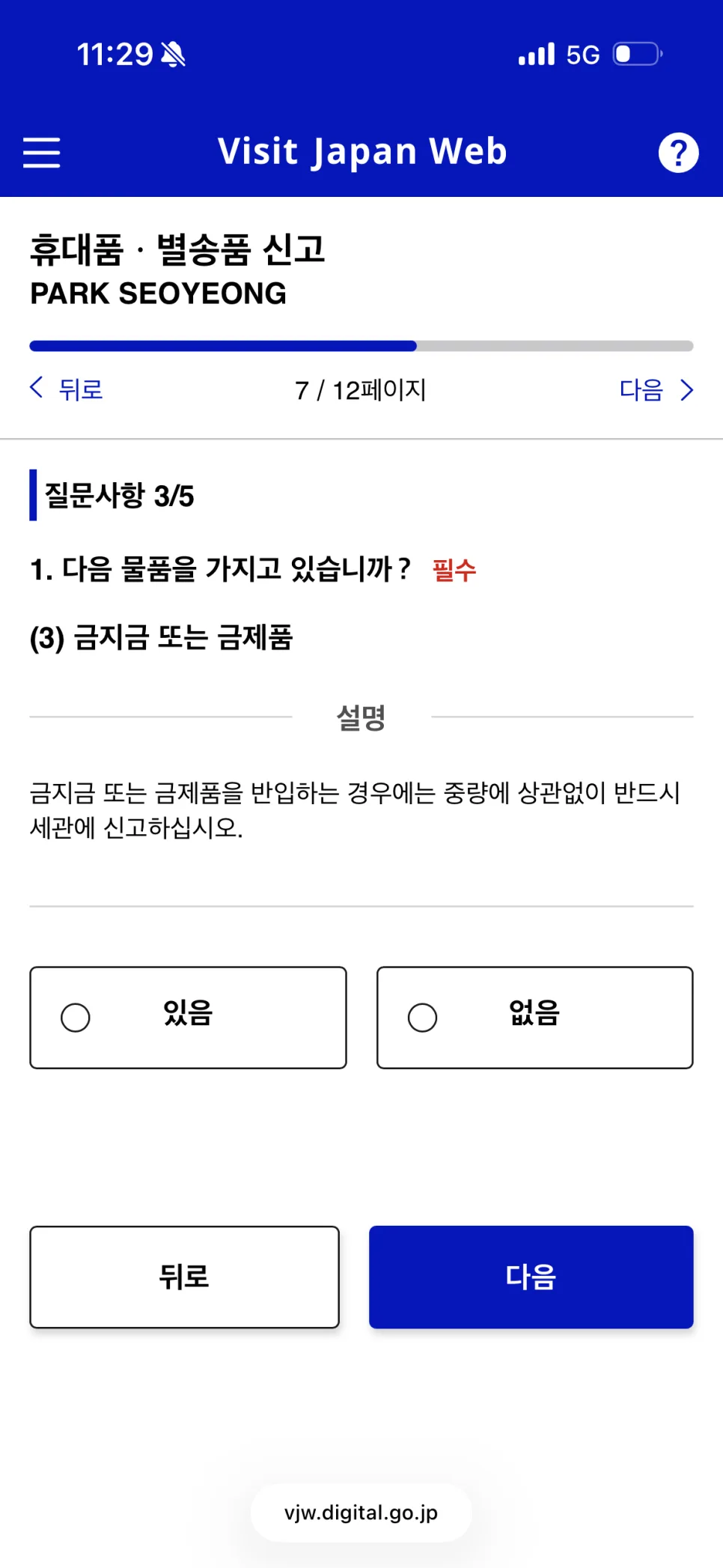
It helps to think of this as
the same information you used to write on paper forms, just entered in Visit Japan Web ahead of time.
Since the answers depend on your own situation,
read each question carefully and check the right option.
If something seems unclear,
don’t just skip it—go through it slowly, one item at a time.
4. Check Your QR Code
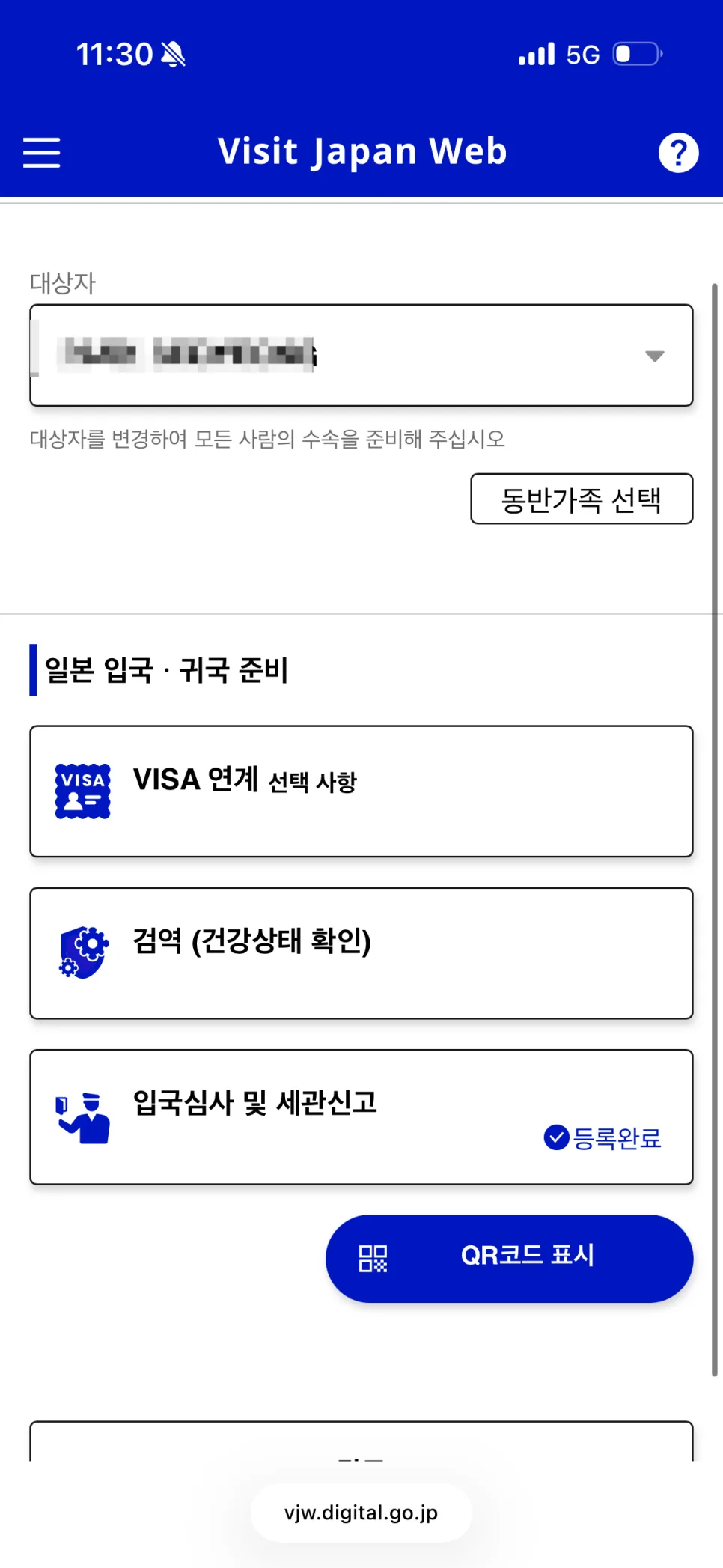
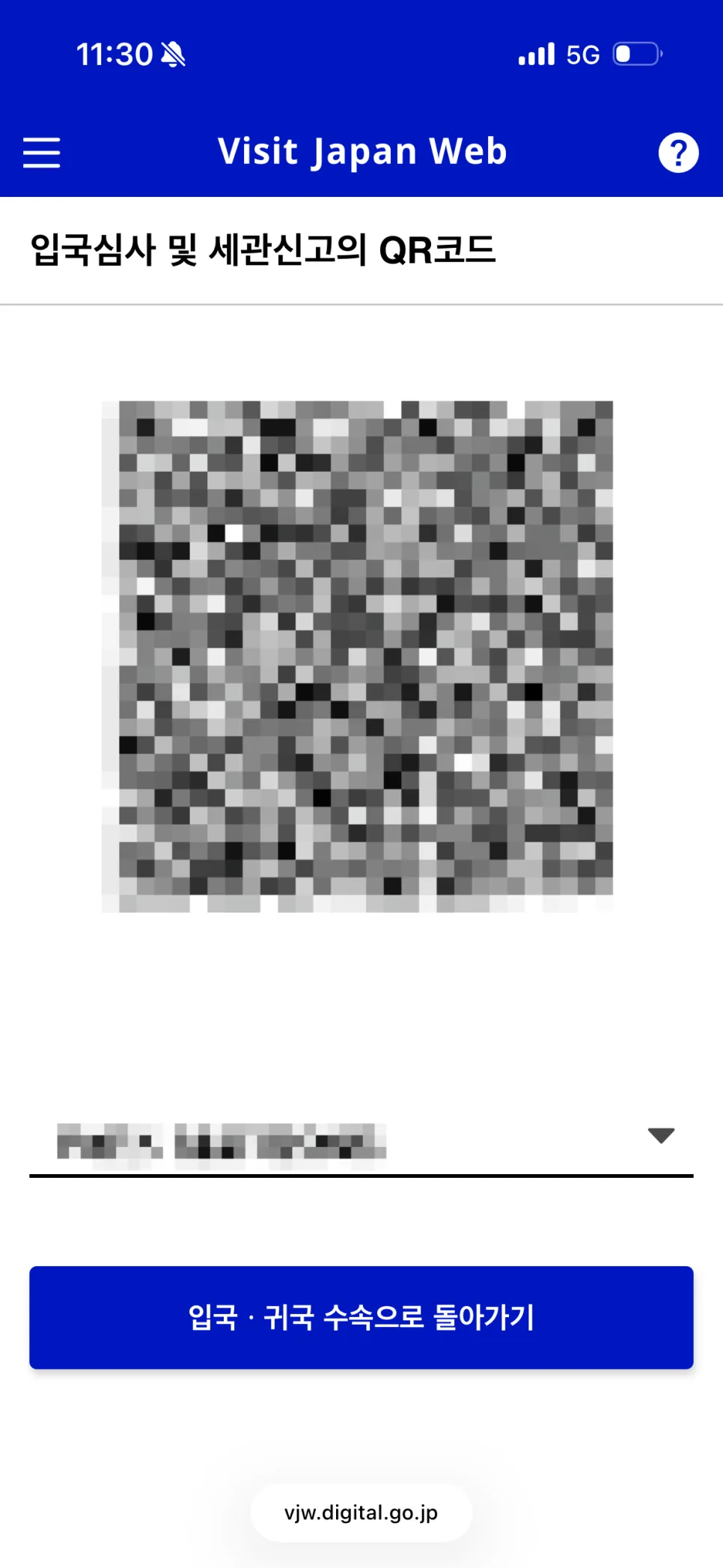
After you finish everything,
the QR code will appear at the bottom.
This is what you’ll use after landing in Japan,
so it’s a good idea to open it in advance.
I always save a screenshot of the QR code too.
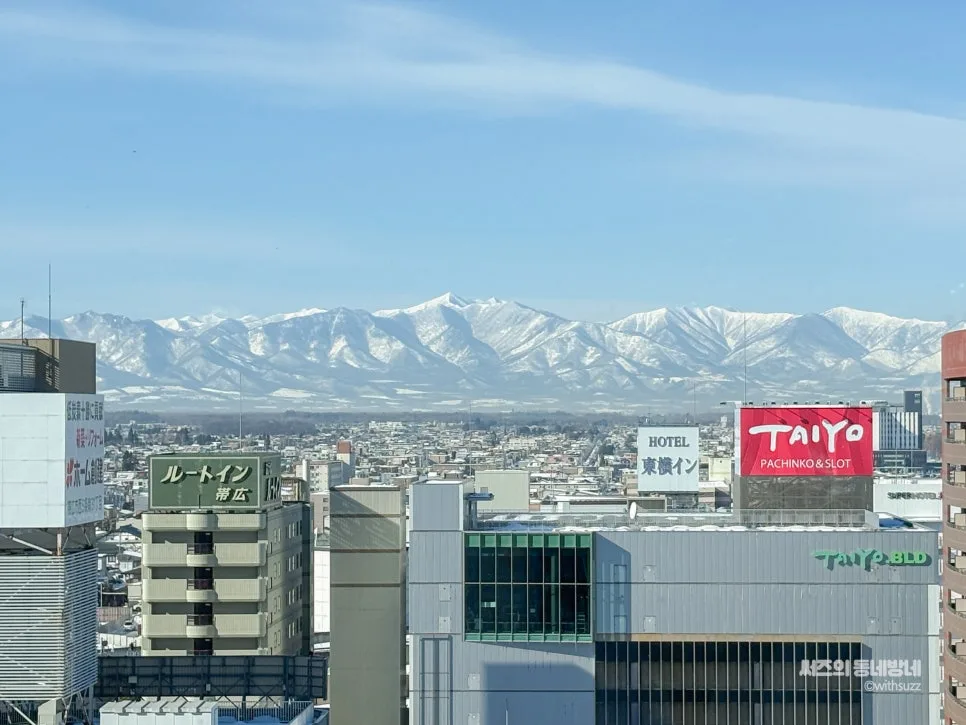
On my recent trip to Obihiro,
my eSIM didn’t start working right away after arrival,
so I temporarily had no internet connection.
For situations like that,
having a screenshot of the QR code makes things much easier.
So for my next trip, I switched to
a Japan eSIM with more reliable coverage.
Japan eSIM eSIM Tokyo Osaka SoftBank Fully Unlimited 1-Day USIMSA KakaoTalk Alert
USIMSA Store
naver.me
5. Frequently Asked Questions
Q. When should I fill out Visit Japan Web?
I usually do it the day before departure or at the airport.
If you do it at the airport,
you already have your passport and flight details in hand,
so it can actually be easier to enter everything on the spot.
You usually have more waiting time than you think before boarding,
so that’s still plenty of time.
That said, don’t leave it until the very last minute before boarding—
it’s better to finish it when you have a little breathing room.
Q. Is there anything I should be careful about when filling it out?
Your passport number,
flight number,
hotel address,
and arrival date.
Check those one more time,
and make sure to save a screenshot of the QR code at the end.
If it’s your first time using Visit Japan Web,
the first screen can look a little overwhelming.
But once you go through it step by step,
it actually gets done pretty quickly.
If you’re preparing for a trip to Japan,
make sure you complete it before departure.
Thanks for reading.
For every moment of travel we share,
this is Sseoz’s Neighborhood Wanderings.
Asia | Korea | Restaurants | Hot Places